Home Page » iPod, iPod, iPod, BMW 3 Series (E46) 1999>, BMW 3 Series (E36/5 Compact) 1996>, BMW 3 Series (E36) 1991>, BMW » iPod 3G to BMW Business Radio (Round Pin) With Track Data
iPod 3G to BMW Business Radio (Round Pin) With Track Data
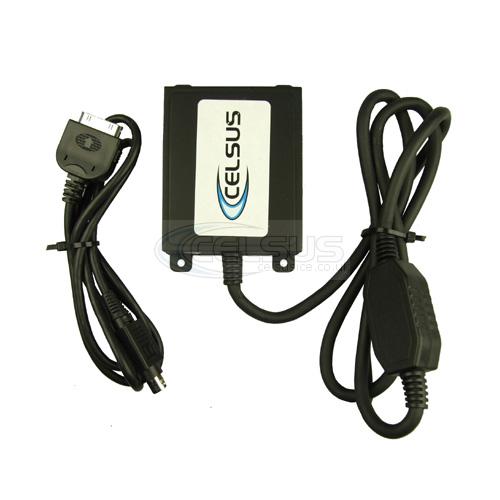
£ 163.98
| Size | Price (£) | Shipping (£) | Stock |
|---|---|---|---|
| * | 163.98 | 3.99 | 100 |
Product Details
iPod 3 Generation interface – key features:
* Compatible with all iPods
* Charging
* Toggle control of your iPod from the radio – or iPod
* Additional 3.5mm Aux input (iPod not connected)
* Access to playlists
* Auto pause of the iPod when power disconnected (ignition off)
* Operation of the iPod from the vehicle steering controls
NOT SUITABLE FOR CARS WITH OEM BLUETOOTH
***Applications: BMW 3 & 5 Series with Business radio ONLY not compatible with navigation/TV systems
BMW – Text display settings
Make sure to select the appropriate text display setting during the initial setup of the IPV3021A
To configure the text display on BMW radios, (on initial installation) do not connect your iPod or USB /SD
card, and switch to CD changer mode. The radio should then display the Disc and Track number.
Press NEXT/Previous to select a Track number that corresponds to the designated display. Default
setting from the factory is Track 01.
Track # Text displayed on Application Characters
01 radio 3-series/z3/z4/x3/04-k1200 12
02 Navigation All with nav 15
03 Cluster/OBD 5-series/7-series/X5 w/0 nav 20
04 MID Alternate for 5-series/7-series/X5 11
05 Alternate Location All with Nav 8
06 Alt Locat. (large font) All with Nav 8
07 Resume Text Use if text does not resume after phone call –
08 Motorcycle 05 + K1200 12
09 No text All –
Please note that text will only display on CD text compatible BMW radios.